High-Rise Smart Lock Reliability: Concrete & Signal
By Rhea Kapoor • 23rd Feb
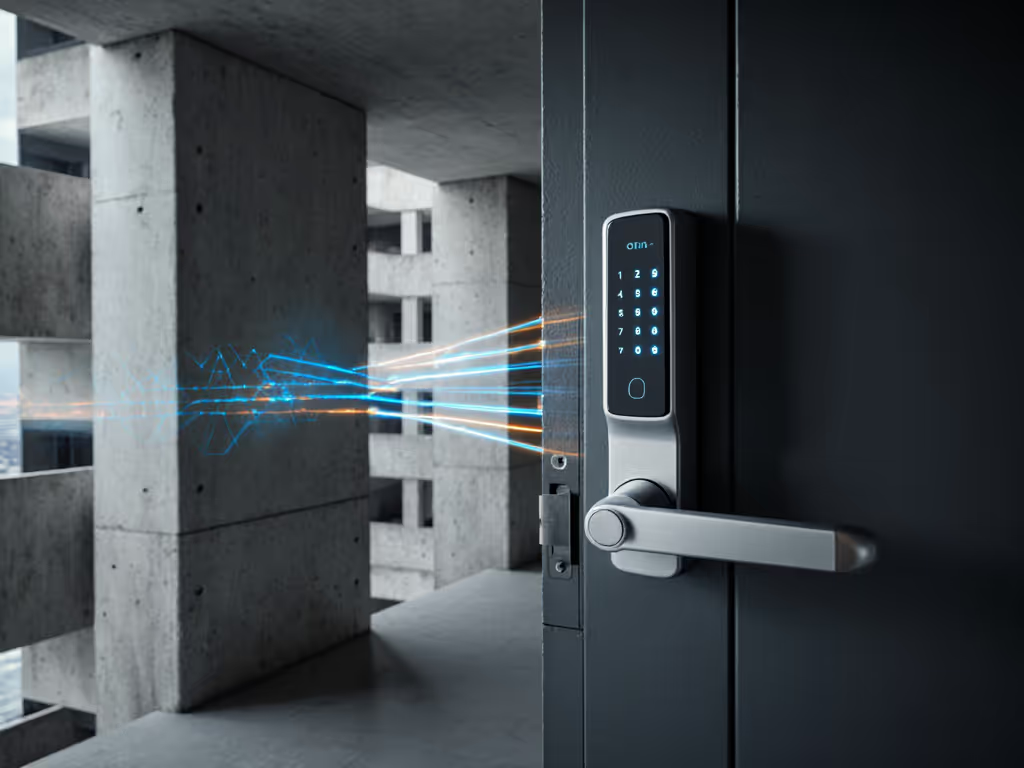
High-rise smart lock reliability hinges on one brutal reality: concrete and steel absorb radio signals at rates that render most wireless protocols unreliable past two floors without strategic placement of local infrastructure. In skyscraper access control systems, the physical building itself becomes the adversary. Yet most evaluations ignore this entirely, testing locks in open air and claiming parity across towers where smart locks face 15-20 dB attenuation per 30 cm of reinforced concrete[1]. This article cuts through marketing claims by threat modeling signal paths in multi-floor environments and testing what actually survives the offline scenario: router unplugged, cloud unreachable, you at your apartment door.
The Concrete Problem: Why High-Rise Signal Loss Is Not Linear
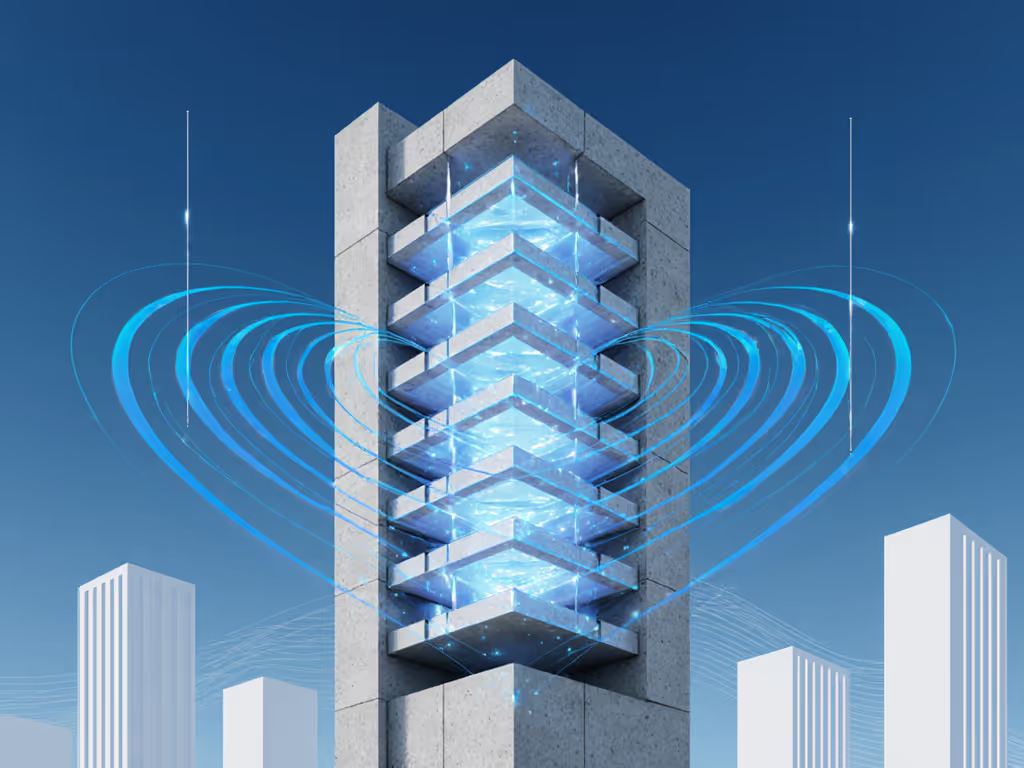
Signal loss in residential buildings follows predictable physics, but manufacturers rarely acknowledge it. A standard Bluetooth lock marketed with "100-foot range" means line-of-sight in air. In a concrete high-rise, that 100 feet becomes 10 feet per floor, and each additional floor adds cumulative attenuation[3]. Zigbee and Z-Wave fare marginally better due to lower frequency bands and built-in mesh relay; their signals can pass through walls with more consistency than Bluetooth[3]. For a deeper breakdown of protocols in real homes, see our Z-Wave vs Wi-Fi vs Bluetooth guide. However, neither solves the fundamental problem: if your lock requires the cloud to verify access because offline authorization logic failed during design, signal degradation cascades into lock-out scenarios.
The gap between theory and practice emerges when vendors spec range in "ideal conditions." You live in a 34th-floor corner unit, not a parking garage. Dense urban environments compound the issue, with neighboring Wi-Fi networks, steel elevator shafts, and HVAC metal ducts all scattering RF energy. Penetration testing experts have documented cases where smart locks with weak or unencrypted Bluetooth Low Energy communication became vulnerable to man-in-the-middle (MITM) attacks within range, and those range limitations exist because of signal weakness, not security[2]. In high-rises, weak signals mean both unreliable lock operation and exposure to jamming or spoofing within the degraded range envelope.
FAQ: Wireless Protocol Comparison for Concrete Buildings
Q: Which wireless protocol penetrates concrete best?
Zigbee edges ahead in real-world high-rise deployments. The protocol has strong anti-interference ability and can penetrate walls effectively, making the communication distance of smart door locks better guaranteed compared to Bluetooth[3]. LoRa offers extreme range (tens of kilometers theoretical range with wall-pass capability), but suffers high latency and low data rate (hundreds of bits per second), making it unsuitable for interactive door locks[3]. Wi-Fi HaLow is emerging as a middle path with better signal penetration than standard Wi-Fi and lower power draw, though adoption remains minimal in residential smart locks[6].
Bluetooth Low Energy remains the dominant protocol for retrofit smart locks, but vendors compensate for signal attenuation by pairing with a cloud relay: the lock talks to a cloud server instead of directly to your phone. This introduces a new failure mode: if internet fails, your lock stops responding entirely, even in your own unit where you have network access to other devices. That's an architectural failure, not a signal problem. If you want options that keep working without internet, start with our offline smart locks guide.
Q: What causes smart locks to fail in high-rises?
Three categories:
-
Signal dropout at range. Locks placed far from Wi-Fi routers or behind elevator shafts lose connectivity; if the lock lacks local authorization (PIN codes, RFID offline paths), it defaults to offline mode, which for cloud-only locks means locked and dead.
-
Weak communication layer security. Research has identified HTTP POST requests sent to unlock endpoints without authentication tokens or end-to-end encryption, lacking security headers and vulnerable to replay attacks by third parties on the same network[2]. In an apartment building with shared Wi-Fi networks or compromised neighbor devices, this attack surface expands dangerously.
-
Electromagnetic interference or attack. Older or poorly shielded locks can crash or inadvertently unlock when exposed to high-voltage electromagnetic pulses; simpler designs with basic signal recognition are more susceptible because they require shorter triggering sequences[4]. A lock that defaults to unlocked on system crash compounds the risk[4].
These aren't edge cases. They're predictable outcomes when threat modeling is skipped. For high-density buildings with Wi-Fi congestion, our apartment reliability analysis compares which locks keep working through outages.
Q: Can UWB (Ultra-Wideband) solve high-rise reliability?
UWB offers genuine technical advantages: time-of-flight (ToF) ranging measures signal flight duration rather than strength (RSSI), achieving 10 cm accuracy and resistance to relay attacks and signal spoofing[1]. The wide 500 MHz bandwidth generates nanosecond pulses that resist multi-path interference from bouncing signals off walls[1]. Operating at 6489.6 MHz means minimal Wi-Fi interference (which occupies 2.4 GHz bands)[1], and UWB's lower spectral density reduces interference with other radios[1].
However, UWB is not yet a mainstream residential lock protocol. Adoption remains confined to enterprise and premium segments. For high-rise homeowners, it remains a future path rather than a current option. What matters now: does your lock work offline? If not, no wireless protocol will save you when the building's internet backbone fails, and in a heatwave when your neighbors' cloud-tethered locks locked them out and mechanical keys were missing, you'll understand why offline capability matters more than protocol bandwidth.
Threat Modeling for Multi-Floor Access
Start from failure modes. In a 20-story residential building, your attack surface includes:
- Shared Wi-Fi or guest networks that neighbors or guests can access, creating MITM risk if your lock uses unencrypted BLE[2].
- Building network infrastructure that may be compromised; a smart lock relying on a router it doesn't authenticate introduces pivot points.
- Lost internet during outages. If your lock requires cloud for PIN verification or guest code issuance, outages lock you out and disable guest access during maintenance windows[5].
- Firmware updates pushed remotely that degrade mechanics or introduce new bugs; closed systems with no rollback option are a liability. For brand-by-brand update paths and outage behavior, see our firmware update reliability comparison.
- Electromagnetic interference from building systems (HVAC, elevator control, electrical panels) affecting lock circuits.
The strongest defense: local-first architecture. A lock with offline PIN entry, local API for guest code management, and mechanical core integrity rated to ANSI/BHMA Grade 1 or equivalent can operate reliably in high-rises because it doesn't depend on the cloud, router position, or protocol penetration, only on the local actuator and local power. Test with the router unplugged. If the lock responds to your PIN, you've tested ground truth.
Practical High-Rise Setup: Concrete and Signal Strategy
If you're installing locks across multiple units or floors:
-
Map the signal path first. Don't assume vendor range specs. Place a router at the intended location and walk the perimeter with a signal scanner (tools like Wireshark can monitor link quality). If the signal drops below -80 dBm at your unit, expect intermittent failures within months.
-
Prioritize mesh-capable protocols. Zigbee devices can relay through each other; a lock on the 10th floor can reach a router on the 8th via a repeater on the 9th. Bluetooth and Wi-Fi don't mesh well in residential setups.
-
Demand offline modes for all access methods. PIN entry, RFID cards, mechanical keys, these must work without internet or cloud authentication. If a vendor claims "secure cloud-only design," it's not suitable for a building environment.
-
Verify ANSI/BHMA grade and mechanical core quality. A lock with poor deadbolt throw or weak motor will fail mechanically before any wireless issue matters. Look for Grade 1 or certified commercial-grade residential options; mechanical reliability is your second layer of defense when electronics fail.
-
Audit local access logs and ensure they persist offline. If the lock forgets who unlocked it when power cycles, you've lost forensic capability for access disputes or insurance claims, especially critical for multi-unit buildings where many people have access.
Summary and Final Verdict
High-rise smart lock reliability is not a wireless protocol problem; it's an architectural one. Bluetooth, Zigbee, and Wi-Fi all degrade in concrete environments, and upgrading to a better protocol won't fix a design that pushes authentication to the cloud. UWB promises superior range and resistance to spoofing, but residential adoption is still emergent[1].
The locks that survive high-rises are those designed offline-first: they authenticate locally (PIN, biometric, RFID), log access events to on-device storage, and use wireless as a convenience layer, not a dependency. In your apartment, that means a lock with a strong mechanical core (ANSI/BHMA Grade 1 or equivalent), local PIN support, support for open standards like Matter or Zigbee if you want remote access via a hub, and no requirement for a vendor account to unlock your own door.
When you move into the 34th floor, you'll want your lock to work the day you move in, before you've optimized router placement, before the building's IT team has hardened the network, before anyone promises mesh coverage. A lock that defaults to offline, tests with the router unplugged, and keeps you in control of your access logic will do that. Everything else is a liability waiting for a heatwave, an outage, or a vendor sunset.
Choose locks with transparent local APIs, offline PIN and mechanical key support, and published ANSI/BHMA ratings. Avoid anything cloud-only, telemetry-by-default, or reliant on a vendor's promised mesh coverage in a building you don't manage. Your keys, digital and physical, must remain yours.
Related Articles